
Website design & marketing / San Jose
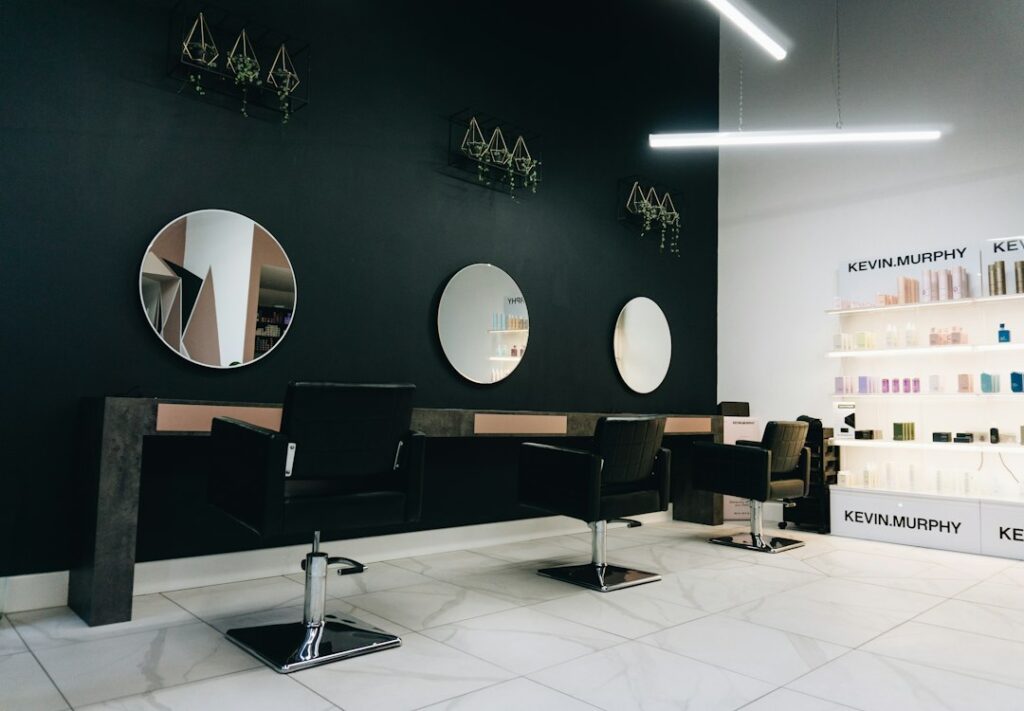
Industry illustration · Photo by Greg Trowman / Unsplash.
L Salon & Color Group appears in our client collection. Meet our clients →
The customer journey
Find a style
Clients discover a cut, color or specialist that feels right for them.
Find their fit
Service details, stylist profiles and real work answer the questions before booking.
Book with confidence
The right booking link carries them to a service or stylist, where supported.
Build a relationship
Relevant updates and consent-based reminders support the next visit.
Website capabilities
A service menu with context
Explain services, starting prices and when a consultation is needed.
Stylist profiles and portfolios
Connect each stylist’s specialties with approved examples of their actual work.
Booking that works on mobile
Keep the booking action easy to find and test the handoff on a phone.
New-client guidance
Clarify consultations, appointment policies, location details and preparation.
Tools & connections
A practical example
Choose a service
Help clients distinguish a haircut, color appointment and consultation.
Meet the stylist
Show relevant experience, style and examples of their work.
Continue to booking
Open the correct provider flow, with a clear way to ask a question.
Marketing priorities
Service-specific search
Build useful pages around specialties such as lived-in color, extensions or textured hair when you offer them.
Portfolio-led social content
Turn approved transformations and stylist introductions into reasons to explore and book.
Rebooking and retention
Use your existing system and appropriate consent for return-visit campaigns; review completed bookings where available.
From first conversation to launch
Your questions
Can bookings stay in our existing salon software?
That is the preferred starting point. We confirm what links and widgets your account supports.
Can each stylist have a page?
Yes, stylist pages can connect specialties and approved work to an appropriate booking destination.
Should all color appointments be bookable immediately?
Your salon decides. Services needing a consultation can lead to an inquiry or consultation booking first.
Can we show before-and-after work?
Yes, using images you own or have permission to publish, including the client’s permission where needed.
Let’s talk about your business